
Anniversary Tracker App For Couples
Save your anniversaries and milestones, watch the countdown to the next one, and get a notification on the day.
Save your anniversaries and milestones, watch the countdown to the next one, and get a notification on the day.
Private couple space
Special day reminders
Daily connection tools
A closer look at Amourly
Who this is for
Couples tracking multiple anniversaries and milestones.
Partners who want clear countdown visibility.
People planning thoughtful actions before important dates.
Track all anniversaries in one place
From first date to engagement milestones, keep everything organized.
- Save each anniversary or milestone as a special day.
- See countdown progress and upcoming moments.
- Keep milestone context tied to each date.
See the next date coming
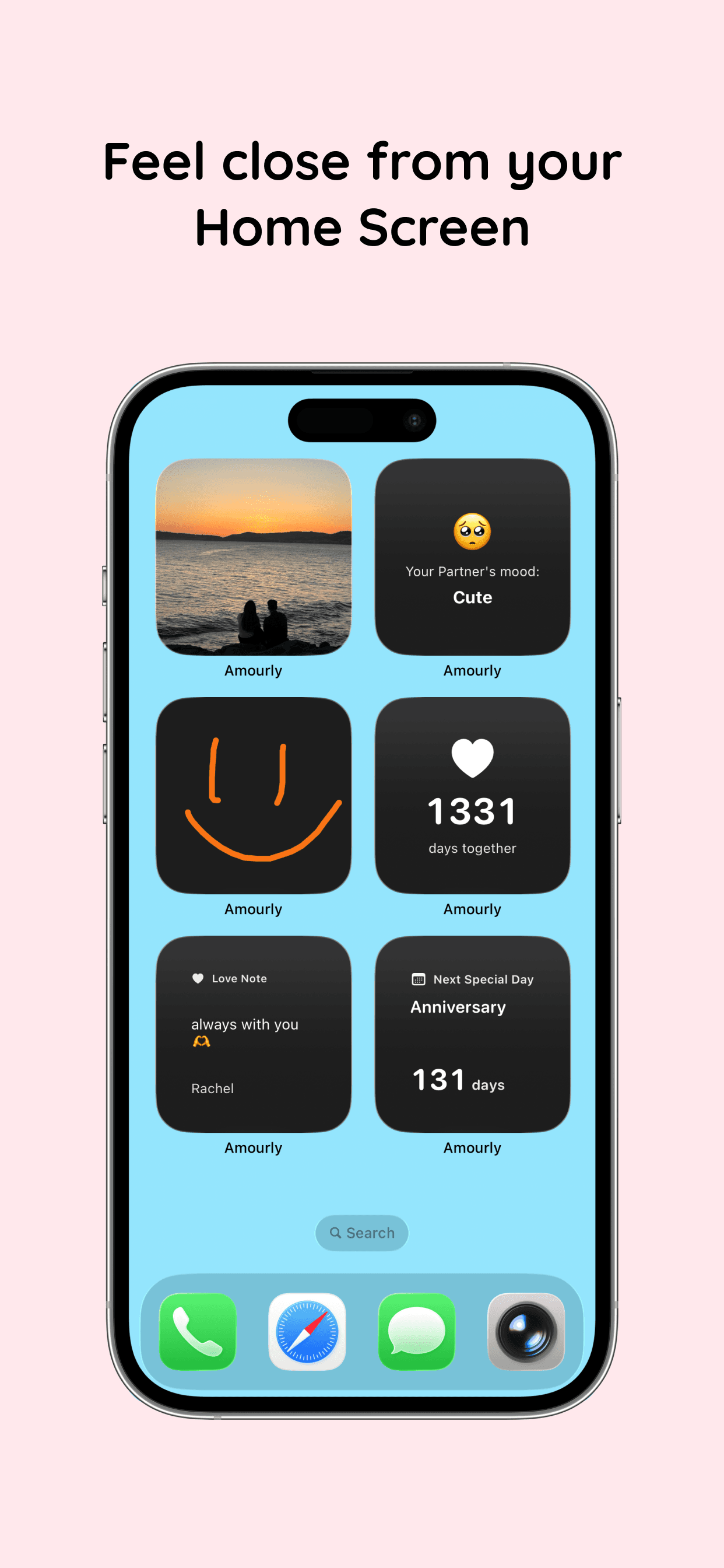
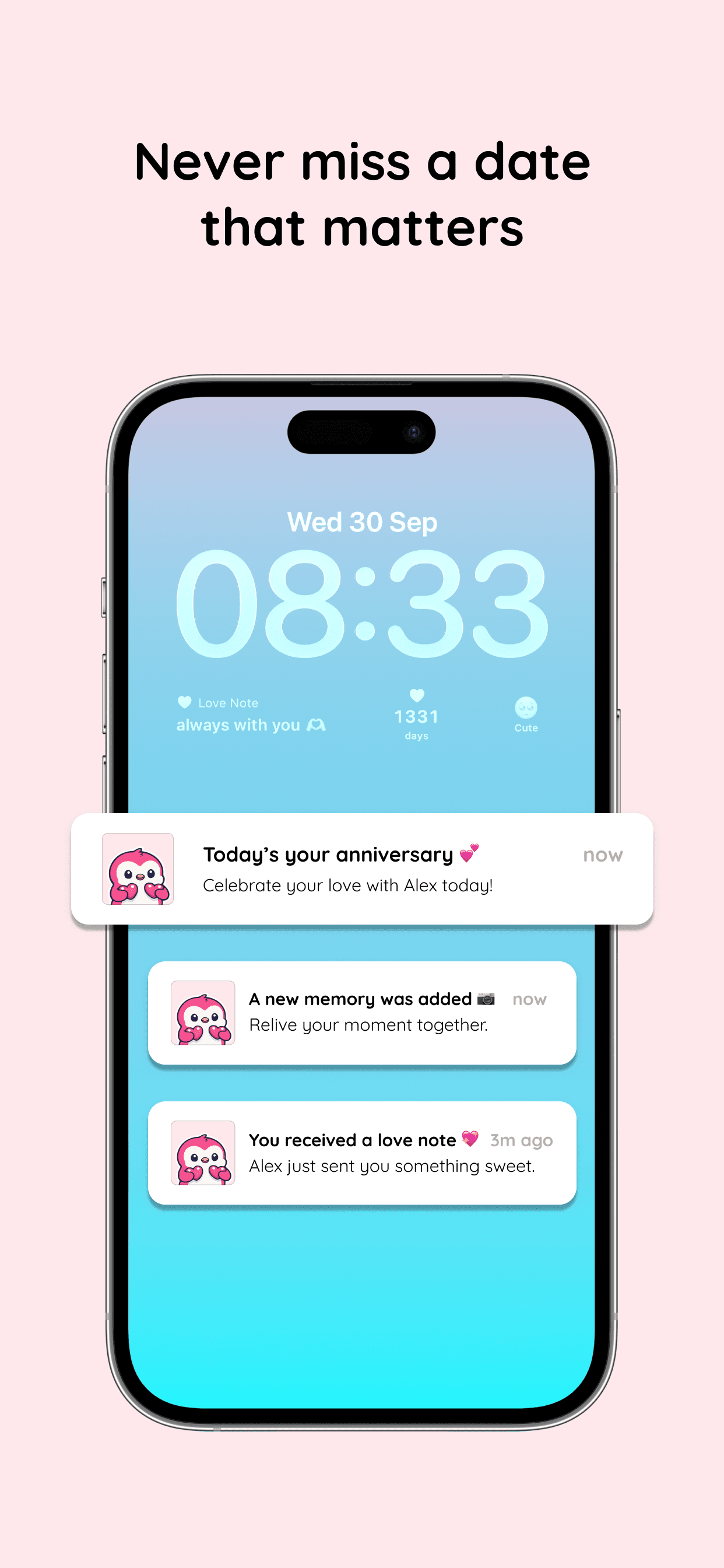
A countdown on your Home Screen or Lock Screen shows how many days are left, so there's time to plan something.
- Plan a note, a small gift or an evening together ahead of time.
- Both of you get a notification on the day itself.
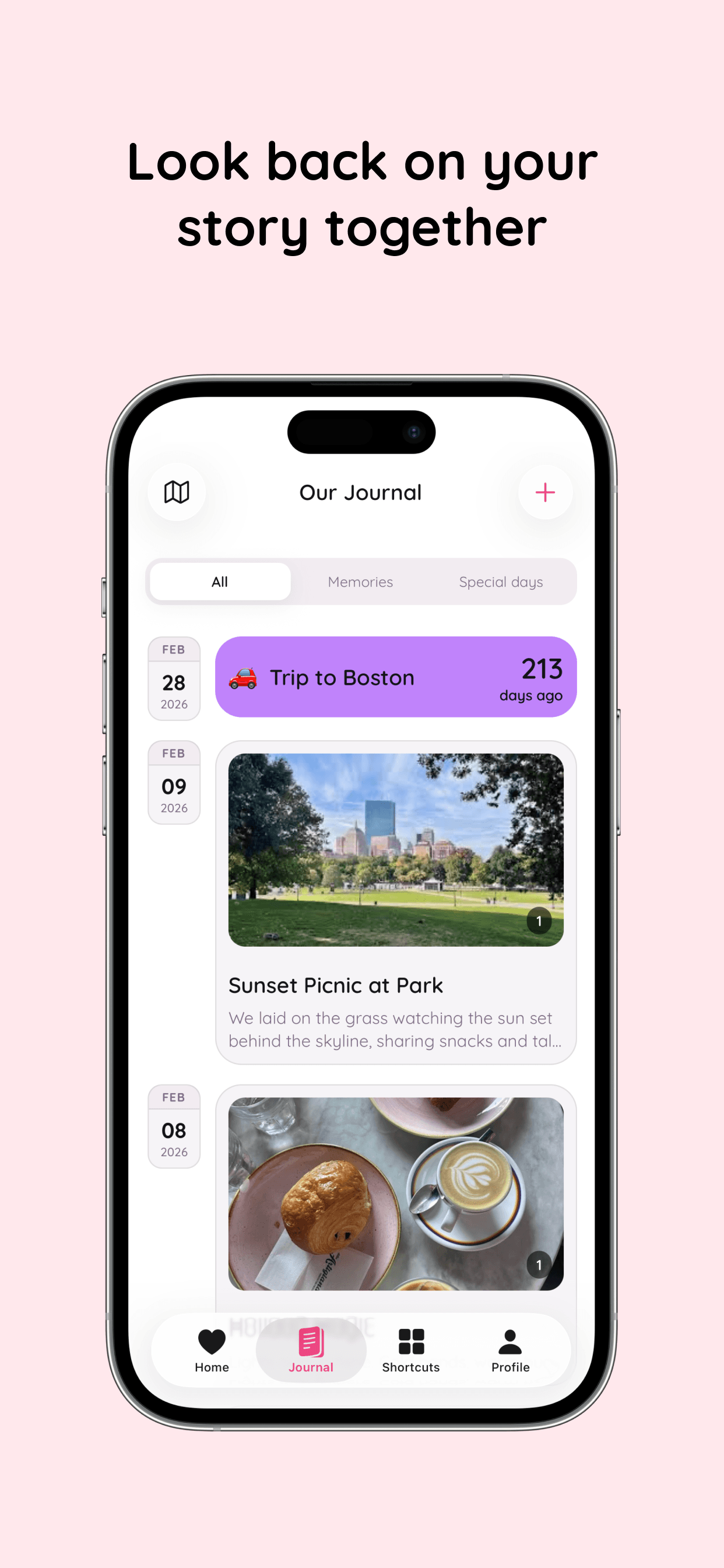
- Look back at how you spent last year's date in your journal.
Combine tracking with daily connection
Amourly connects anniversary tracking to notes, memories, and widgets.
- Send love notes tied to anniversaries.
- Revisit memories from previous milestones.
- Keep upcoming dates visible from your home screen.
See Amourly in action
Real product screens for couples using Amourly as their anniversary tracker app.
Frequently asked questions
Can we track more than one anniversary?
Yes. Add each anniversary or milestone as a special day. The free version holds up to 7 journal entries in total (memories and special days combined); Amourly Premium removes the limit.
Can both partners receive reminders?
Yes. Special days are shared, so you both get a notification on the day, and the countdown widget shows the days left before it.
Does this include a countdown view?
Yes. The next special day widget counts down to your next anniversary on your Home Screen or Lock Screen.