Is the Amourly couple widget app free?
Yes, it's free to start. The love note, days-together and next-special-day widgets are free. Mood, photo and drawing widgets come with Amourly Premium ($9.99 a month or $44.99 a year), and one subscription covers both partners.
Does it work on iPhone and the Lock Screen?
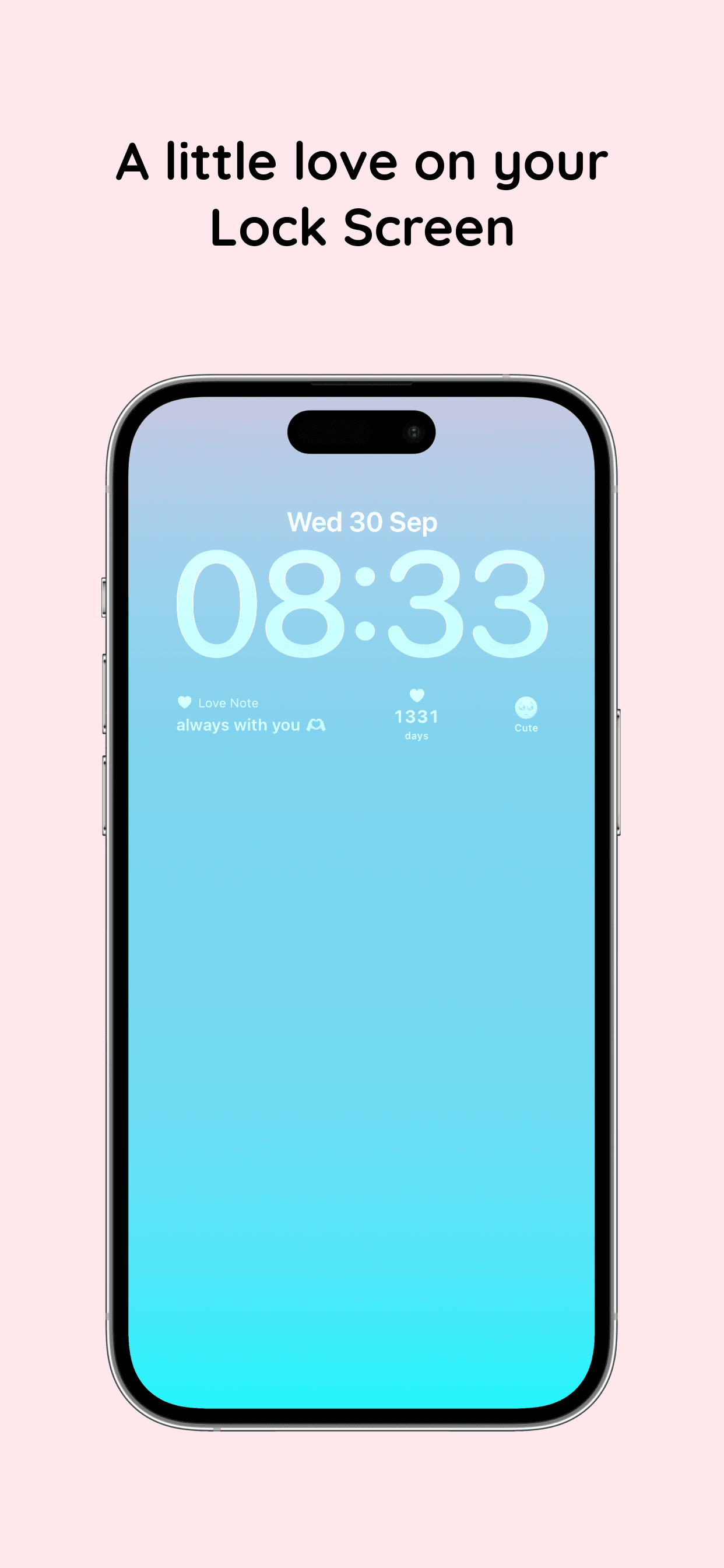
Yes. Amourly runs on iPhone with iOS 16.4 or later and has 7 widgets for the Home Screen and Lock Screen. It's also on iPad and Android, where the widgets go on your Home Screen.
Do both partners need the app?
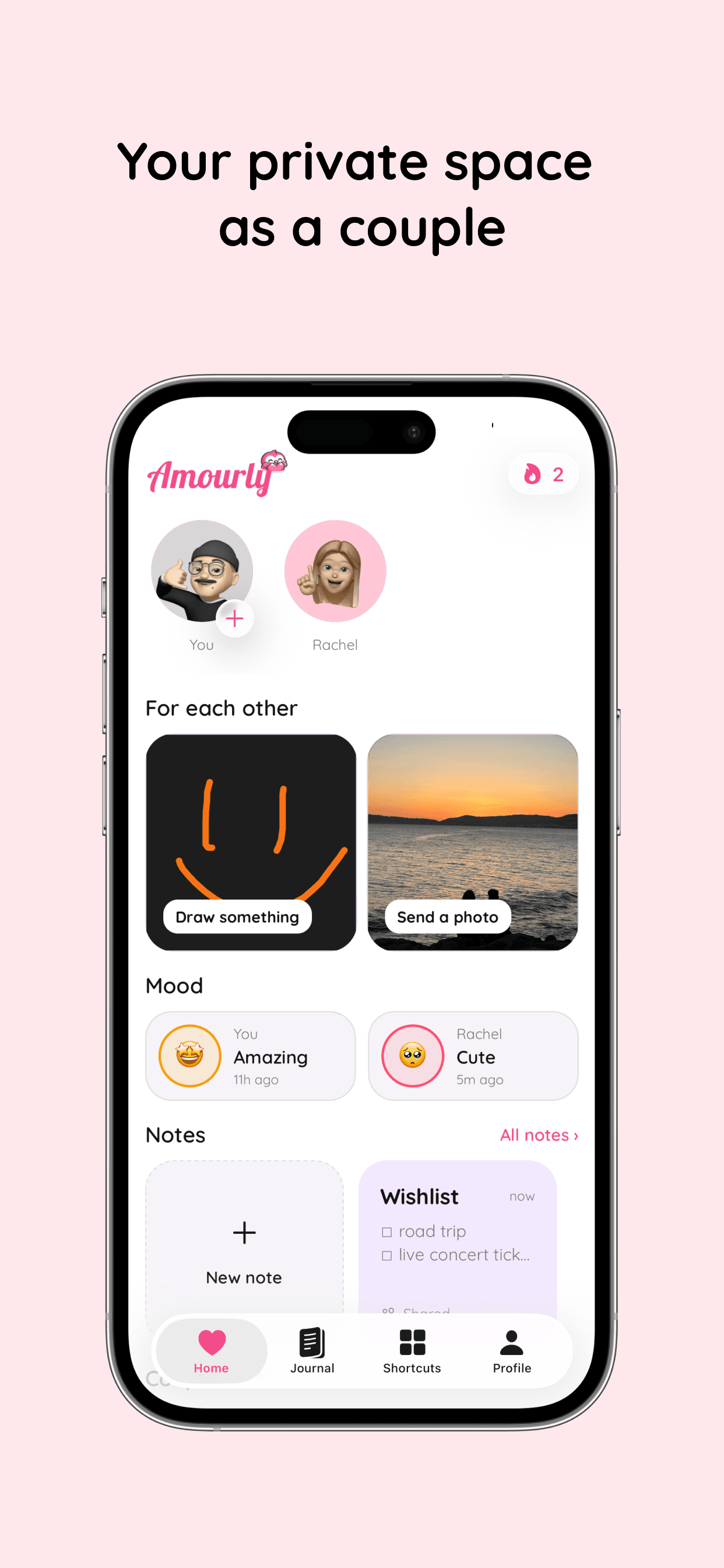
Yes. You each install Amourly on your own phone and connect, so each of you can add widgets that show what the other shares.
What can the couple widgets show?
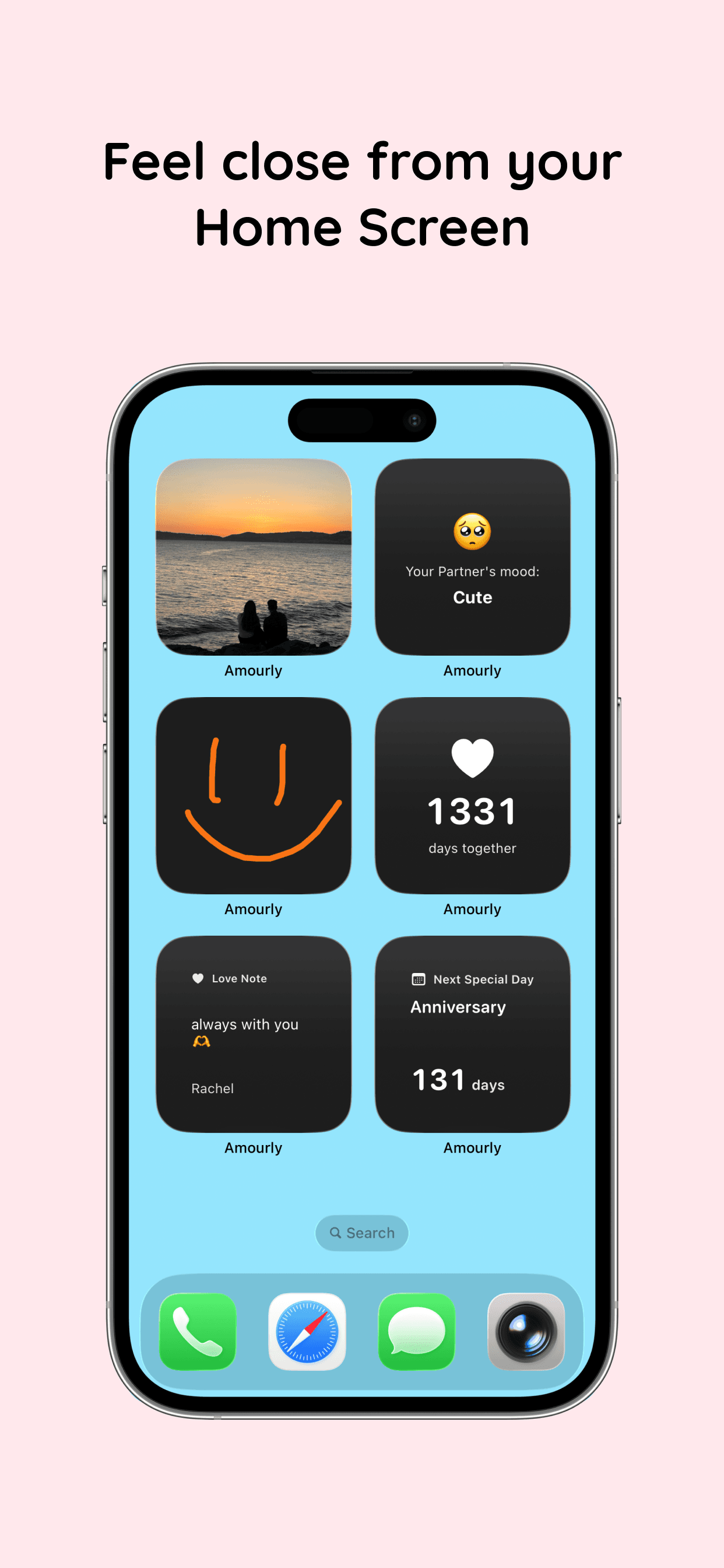
Amourly’s widget examples show a countdown to the next special day, a love note, your partner’s mood, and your days together. What appears depends on the widget and screen you choose.
How do I add an Amourly widget on iPhone?
After installing Amourly, touch and hold your Home Screen, tap Edit, then Add Widget and find Amourly. For a compatible Lock Screen, touch and hold the Lock Screen, tap Customize, then Add Widgets.
Which Amourly widgets are free?
The love note, love-note preview, days-together and next-special-day widgets are free. The mood, photo and drawing widgets come with Amourly Premium.
Who are couple widgets for?
Couples who like a small reminder of each other on their phone: their latest note, your days together, the next date you're counting down to. If you want a big widget playground with pets and games, an app like Widgetable is a better fit.