
A couples calendar for the dates that matter to you two
Save your anniversary, birthdays and the trips you're counting down to in one shared space, so neither of you has to remember alone.
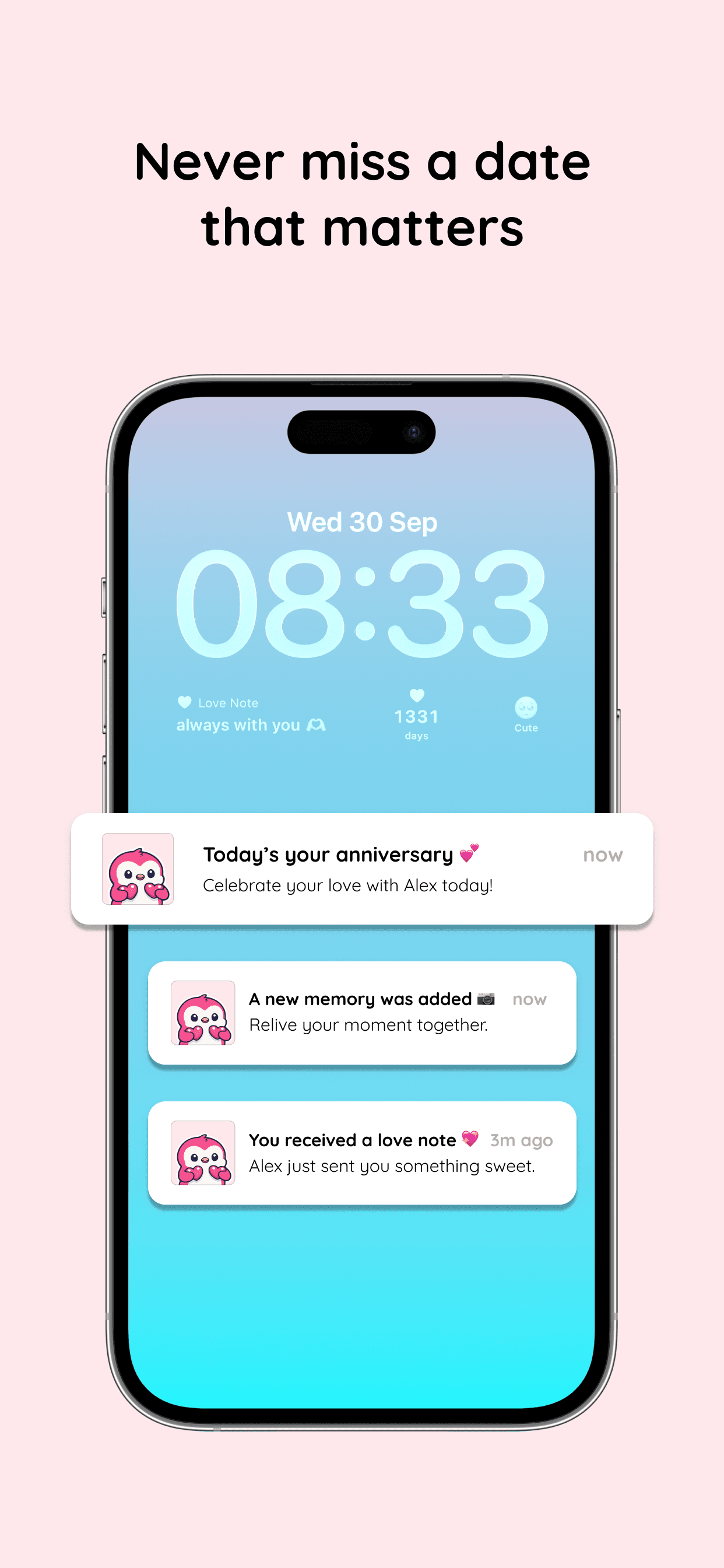
Amourly keeps your relationship dates, not your work schedule. Add special days like anniversaries, birthdays and trips, see them in a shared journal both partners can open, get reminded when they arrive, and keep the next one on your iPhone widget.
Private couple space
Special day reminders
Daily connection tools
A closer look at Amourly
Who this is for
Couples whose important dates live in two separate calendars.
Partners counting down to a trip, a visit or an anniversary.
People who want each date kept alongside the memories that go with it.
Your special days, in one shared place
Add the dates that belong to the two of you, each with a name, an emoji and a place if you like.
- Save anniversaries, birthdays, trips and firsts.
- Both partners see the same special days.
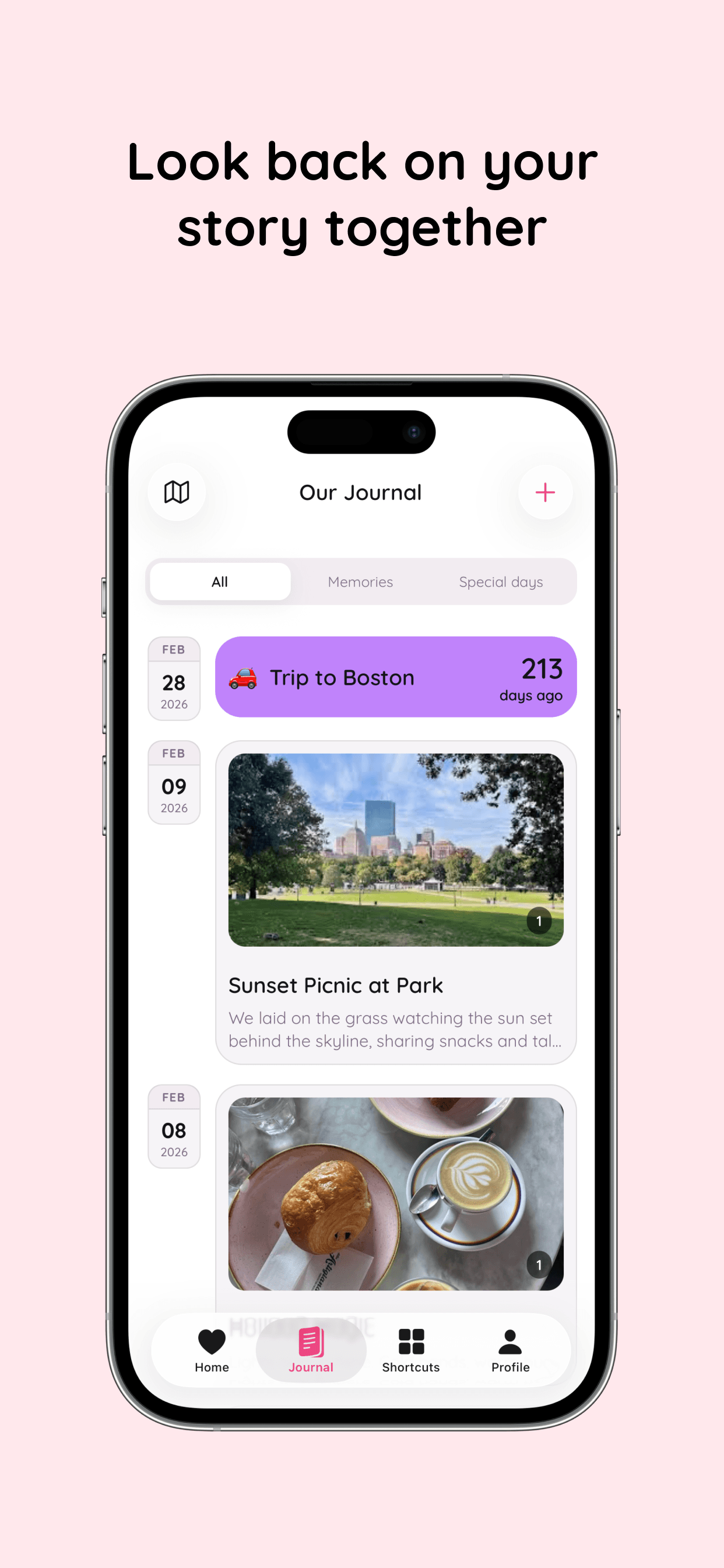
- Filter your journal to show only special days.
Reminders and countdowns
Amourly reminds you when a special day arrives and keeps the next one in view.
- Get a notification on the day.
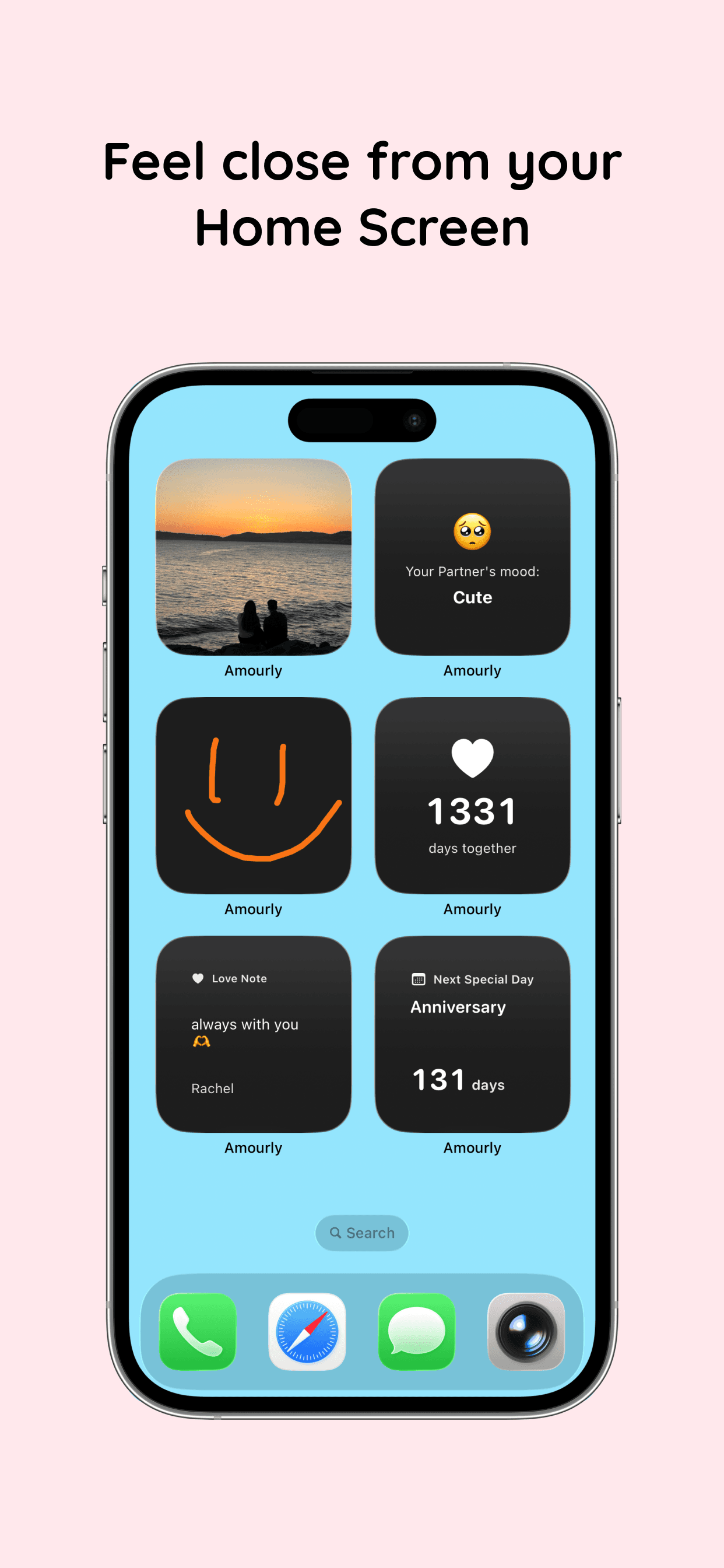
- Add the Next Special Day widget to your Home Screen or Lock Screen.
- See how many days you've been together.
Dates that come with the memories
A special day sits next to the photos and notes from it, so the date means more than a reminder.
- Keep special days and memories in the same journal.
- See where they happened on your shared map.
- Send a love note when the day comes around.
See Amourly in action
Real product screens for couples using Amourly as their couples calendar app.
Frequently asked questions
Is Amourly a shared calendar app?
Not for everyday schedules. Amourly doesn't sync your work or personal calendars. It keeps the dates that matter to your relationship, like anniversaries, birthdays and trips, with reminders, countdowns and widgets. If you need to coordinate two busy schedules, a dedicated planner like Cupla is a better fit.
Do both partners see the same dates?
Yes. Special days live in your shared couple space, so you both see them and both get reminded.
Can we see a countdown to our next special day?
Yes. The Next Special Day widget shows it on your Home Screen or Lock Screen, and the free version includes it.
Is Amourly free?
Amourly is free to download on iPhone. The free version includes up to 7 journal entries (memories and special days combined); Amourly Premium makes it unlimited for both partners.